Graphic Design Invoice Template: How to Bill for Creative Work
Build a graphic design invoice covering project vs hourly billing, revisions, licensing, rush fees, and file delivery.


You finished the logo at midnight, the client loves it, and now you are staring at a blank invoice wondering what number goes in the box. Charge by the hour and the four-day project looks underpriced. Charge by the project and the second round of revisions starts to feel like you are working for free. A clean graphic design invoice template solves this, but only if it reflects how creative work actually gets billed: deliverables, usage rights, revision rounds, rush windows, and the file handoff. This guide walks through six billing decisions that show up on every designer invoice, and how to put them on paper without an awkward client conversation.
Why Graphic Design Invoicing Is Harder Than It Looks
A logo for a regional plumber and a logo for a national consumer brand can take the same hours to draw. They are not worth the same amount. One appears on five trucks and a yard sign for ten years. The other appears on packaging in 40,000 retail stores, social ads, and the side of a stadium. The work output is identical. The value delivered is not.
This is the throughline for every graphic designer invoice. Time spent does not equal value delivered. A tagline you wrote in 20 minutes might earn the client millions. A pitch deck you grinded for 60 hours might never see a stage. Bill purely by the hour and you punish yourself for getting fast. Bill purely by the project without thinking about scope and usage, and you give away the upside. The Graphic Artists Guild’s Pricing & Ethical Guidelines has been arguing this for decades: price the use, not the labor.
A useful design invoice does both. It bills the work, documents the rights, and scopes the revisions so round two does not become round eight.
Project-Based vs Hourly Billing: Which Fits Your Work
Project-based pricing fits work with a defined deliverable and a clear scope. Logo design. Brand identity systems. Packaging. Annual report layout. A single landing page. The deliverable has a shape, you have done it before, and you can quote a number based on the brief.
Typical SMB ranges from recent AIGA member surveys and freelancer rate reports:
| Deliverable | Typical SMB range | Notes |
|---|---|---|
| Logo design (small business) | $1,500–$3,500 | Single mark, 2–3 concepts, 2 revision rounds |
| Brand identity (logo + system) | $3,500–$10,000 | Logo, colors, type, basic guidelines |
| Brochure / one-sheet | $750–$2,000 | Per layout |
| Landing page design | $1,500–$4,500 | Single page, no dev |
| Packaging (single SKU) | $2,500–$8,000 | Dieline + design |
| Social media template set | $500–$1,500 | 5–10 templates |
Hourly billing fits open-ended work. Ongoing creative direction. Agency-of-record support. A client whose scope changes weekly. Revisions beyond the included rounds. Discovery work where you are not yet sure what the deliverable is. Solo designers commonly bill $75–$150/hr; senior designers and brand specialists commonly bill $125–$250/hr. The consulting invoice template guide covers the hourly side in more detail and applies cleanly to design work billed this way.
A hybrid model works well for most freelancers: project rate for the defined deliverable, hourly for anything that falls outside the scope. State the hourly rate on the freelance graphic design invoice itself, even when you have not used it yet. That puts the rate in the client’s hands before the scope creeps.
Setting Revision Limits and Charging for Overages
The revision conversation is where most design jobs go off the rails. You quoted a logo. The client expected unlimited rounds. You expected two. By round five you are losing money and the client thinks you are dragging your feet.
Fix this in the proposal and echo it on the invoice. Three rules:
- Define a round. A round is one consolidated set of feedback from the client, returned within a stated window (usually 5–7 business days). It is not a stream of one-off Slack messages over three weeks. State this in writing.
- State what is included. “Logo design package includes 3 initial concepts and 2 rounds of revisions on the selected concept” is unambiguous. Vague phrasing (“includes revisions until you are happy”) is what turns a profitable job into a loss.
- Quote the overage rate. “Additional revision rounds billed at $125/hour, in 30-minute increments, after written approval” sets the meter without surprising anyone. The written-approval step matters: it turns scope creep into a billable line item with the client’s signature on it.
On the graphic design invoice template itself, list revision rounds as a line item even when they are included in the project rate. “Revision round 1 — included” and “Revision round 2 — included” tells the client what they got. When round three arrives, “Revision round 3 — 1.5 hr @ $125 = $187.50” lands without a fight because the pattern was set on the first invoice.
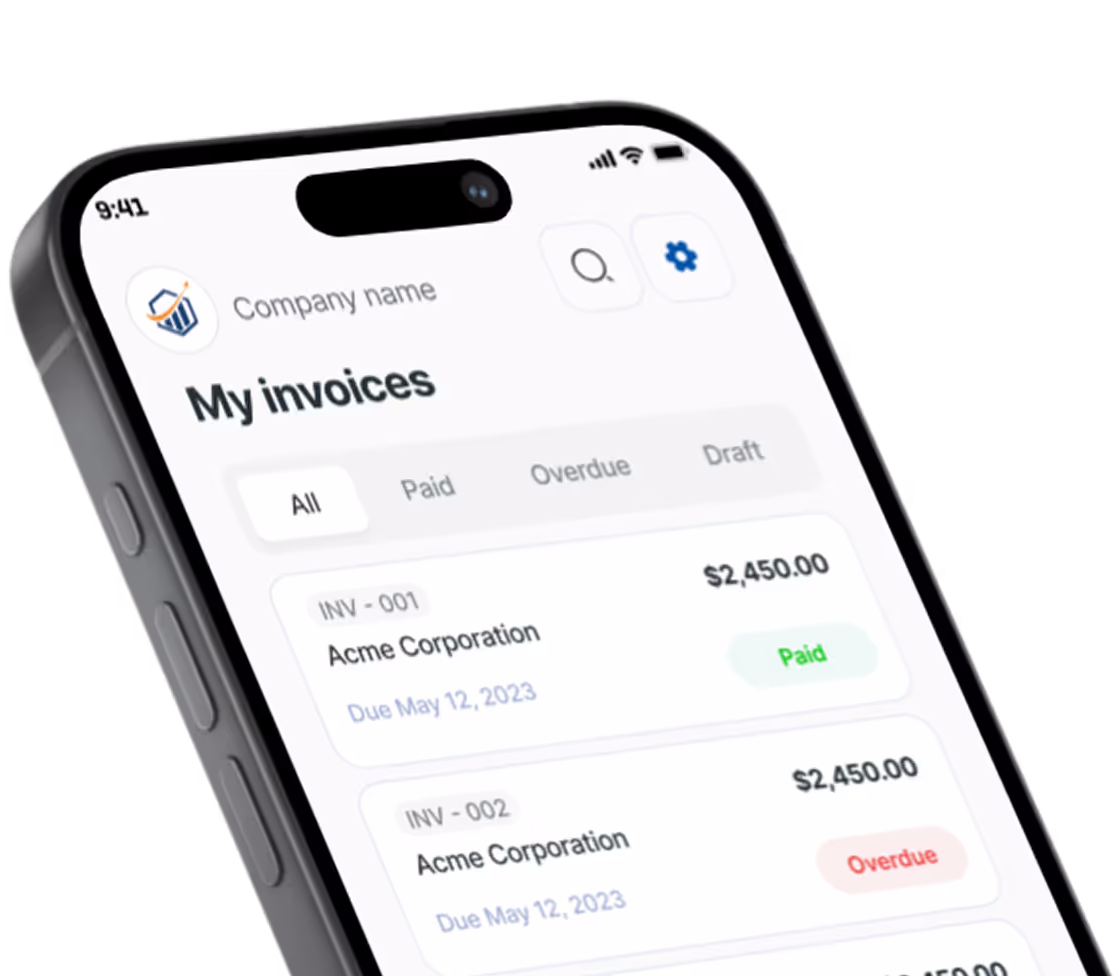
This is where project-based invoicing with revision tracking earns its keep. If your invoicing app lets you attach revision rounds as line items as they happen and convert your initial estimate into the final invoice without retyping, you stop losing the boundary between rounds. Pronto Invoice handles this kind of project-based billing on phones, which matters when you are reviewing client comments on the train and want to add the overage line before you forget. For the deeper playbook, see our scope creep prevention guide.
Licensing and Usage Rights: Why You Can Charge More
This is where the time-spent versus value-delivered gap lives. A logo’s labor cost is roughly the same whether the buyer is a regional plumber or a Fortune 500. The license fee is what scales with use.
Three variables drive licensing on the design invoice template:
- Scope of use. Local plumber, regional contractor, national brand. Print, digital, broadcast. The bigger the audience, the higher the license.
- Term. One year, three years, perpetual. Most small-business logo deals are perpetual; ad campaigns and illustrations are often time-limited.
- Exclusivity. Exclusive (you cannot sell or reuse the work) costs more than non-exclusive. The Graphic Artists Guild’s Pricing & Ethical Guidelines provides usage-rights tables that map these variables to fee multipliers and is worth the reference cost for any working illustrator or designer.
Itemize licensing on the invoice as its own line, separate from the design fee. This makes the structure visible to the client and creates a record you can point to if they ever extend the use beyond the original license.
| Line item | Description | Amount |
|---|---|---|
| Logo design fee | 3 concepts, 2 revision rounds | $2,800 |
| Usage license — perpetual, exclusive | All print and digital, North America | $1,200 |
| Source files (AI, vector EPS) | Editable working files | $400 |
| Total | $4,400 |
The same structure applies to web design invoices and brand identity projects — any deliverable where the end use determines value. For illustrations and stock-style work, a “buyout” line (“Full buyout — perpetual, worldwide, all media — $X”) is the cleanest framing. Without it, every time the client uses the work in a new context they may owe more, and you may have no documentation either way.
Rush Fees: Pricing Urgency Without Punishing Clients
Rush work is real work compressed into less time, often into nights and weekends. The market rate is a 25–50% premium over standard project pricing, tied to a specific turnaround threshold.
A defensible rush policy: “Standard turnaround on a logo project is 2–3 weeks. Turnaround under 5 business days is subject to a 25% rush fee. Turnaround under 48 hours is subject to a 50% rush fee.”
State this on the proposal, the contract, and the invoice. Surprise rush fees feel punitive. Disclosed-up-front rush fees feel like a price list. Label the invoice line clearly: “Rush fee (5-business-day turnaround, 25%).” Clients who do not want to pay can move the deadline. Clients who need the speed pay it without arguing.
File Delivery and Handoff: What to Document on Your Invoice
The deliverables question ends up on the invoice whether you plan it or not. What files are you giving the client? In what formats? Do source files cost extra?
The default split most working designers use:
- Final exports (PNG, JPG, PDF, web-optimized formats), included in the project fee.
- Vector and source files (AI, EPS, native PSD, INDD packages), billed as a separate line item, or held by the studio.
- Editable templates (Canva, Figma, InDesign) the client can update themselves, quoted separately.
There is no industry rule that source files must be released. Some studios always do, some never do, some release for an additional fee. Whichever model you use, state it on the invoice.
A clean handoff line reads: “File delivery: final PNG, JPG, PDF exports via WeTransfer link. Source files (AI, EPS) released to client per separate line item.” This becomes the reference if the client circles back two years later asking for the original layered files.
Retainer Arrangements for Ongoing Creative Work
Retainers turn a feast-or-famine freelance practice into a steady monthly base. The structure that works for most design retainers:
- Fixed monthly fee for a defined block of hours or deliverables (e.g., 20 hours per month, or “up to 8 social templates and 1 ad set per month”).
- Rollover policy, typically capped (“Unused hours roll over for one month, max 10 hours of bank”). Unlimited rollover defeats the purpose.
- Out-of-scope rate for work above the block, billed at the standard hourly rate.
- Term and notice, usually a 3- or 6-month initial term, then month-to-month with 30 days’ notice.
Bill retainers as recurring invoices, due on the first of the month, with one line for the retainer block and a separate line for prior-month out-of-scope hours. The recurring invoice setup guide covers automating this. For deposit-style retainers, our deposit invoice template guide walks through the up-front payment.
Building a Graphic Design Invoice That Reflects Your Value
A complete graphic design invoice template includes these sections, regardless of whether you bill by project, hour, or retainer:
- Business and contact info — your studio name, business address, EIN or tax ID, email and phone.
- Client info and project name — client name, billing contact, billing address, project name or PO number.
- Itemized deliverables — design fee, usage license, source files, revision rounds (included and overage), rush fees if applicable.
- Subtotal, tax, and total — clearly broken out.
- Payment terms — Net 15 or Net 30, accepted methods, late-fee policy (typically 1.5%/month after 30 days late).
- File delivery confirmation — what was sent, in what format, and via which link.
- License grant statement — a one-line summary of the rights transferred (or not transferred) with this invoice.
Word, Excel, and Google Docs templates can produce a design invoice template that hits all of this. Our guide to creating invoices in Word, Excel, and Google Docs walks through the mechanics. The trade-off is manual data entry, no recurring billing for retainers, and no project-based revision tracking. Past two or three retainer clients, the manual approach starts losing hours per month.
Get Paid Faster as a Freelance Graphic Designer
Most designers picked the work because they like solving design problems, not because they like reconciling line items at midnight. The right freelance graphic design invoice setup pays for itself in admin time alone.
Pronto Invoice is built for this kind of project-based work: revision tracking, recurring invoices for monthly retainers, custom line items for licensing and source files, and a free tier for designers running a small book of clients. No payment processing markup means whatever rate you negotiated with Stripe or PayPal is what you pay. Native iOS and Android apps mean you can add a revision-overage line from a coffee shop. You spent years learning to draw the curve. The invoice should not be where the value goes missing.
There is always something more to read

How to Accept Payments Online
No website needed. Here is how to start accepting online payments as a small business — processors, payment links, and invoicing in one afternoon.

ACH Bank Transfer for Small Business: The Complete Guide to Low-Cost Payments
ACH bank transfer for small business saves 2-3% vs credit cards. Setup guide, fees, timing, and when to use ACH.

ACH vs Wire Transfer: Which to Accept
ACH vs wire transfer — which costs less when you're getting paid? Real fee math, Same-Day ACH explained, and when wires make sense for small business.