Mileage Tracking for Small Business: IRS Rules and Best Practices (2026)
IRS mileage rate is 72.5 cents/mile for 2026. Learn business miles, methods, and audit-proof logs.


You drove 312 miles last week. Two stops at the supply house, four customer visits across town, one trip 47 miles out. By Friday, you could not tell anyone how many of those miles were business and how many were the kid’s soccer practice.
That is the gap the IRS cares about. For 2026, the standard mileage rate is 72.5 cents per mile — every documented business mile is real money off your tax bill. Every mile you cannot document is money the IRS will not let you keep, and “I think I drove a lot for work” will not land in an audit.
This post covers how mileage tracking for small business actually works: the IRS rules, standard mileage rate vs. actual expense method, what counts as a business mile, and the simplest way to keep records that survive an audit.
One caveat up front: this is general educational information, not tax advice. IRS rates and rules change every year. Run anything material past a CPA or enrolled agent.
What Counts as a Business Mile (And What Does Not)?
Per IRS Publication 463, business miles are miles driven for ordinary and necessary business purposes — not commuting, not personal errands.
Miles that count: from your office or home office to a customer site; between two job sites in the same day; to a supplier or vendor for materials; to the bank, post office, or other business errands; to a temporary work location; to client meetings, training, or industry events.
Miles that do not count: your daily commute (from home to your regular workplace, even if you own the business); personal stops beyond minor and incidental; family or social trips in the business vehicle; driving to a second job that is not part of your business.
One important nuance: if you have a legitimate home office that is your principal place of business, the trip from that home office to a job site is a business mile, not a commute. The home office has to qualify under Publication 587 — exclusive and regular business use. For most field service pros who run the business out of a home office, every drive to a customer is deductible.
Standard Mileage Rate vs. Actual Expense Method: Which Should You Use?
The IRS gives you two ways to deduct vehicle costs. You pick one per vehicle, and the choice has consequences for years.
The Standard Mileage Rate (2026: 72.5 Cents Per Mile)
Multiply business miles by the IRS rate — 72.5 cents per mile for 2026, up from 70 cents in 2025. That number covers gas, oil, maintenance, repairs, insurance, registration, and depreciation — you do not deduct any of those separately.
Business miles × 0.725 = vehicle deduction for 2026.
Two things you can deduct on top of the standard rate: tolls and parking fees tied to business trips. These are not bundled into the per-mile rate.
Check the current year’s rate on IRS.gov before filing — the rate adjusts annually.
The Actual Expense Method
Track every dollar you spend on the vehicle — gas, oil, tires, insurance, registration, repairs, lease or depreciation. At year-end, multiply by your business-use percentage:
Total vehicle expenses × (business miles ÷ total miles) = vehicle deduction.
You still need a mileage log — the miles ratio is what makes the math work.
Which One Should You Pick?
The standard rate wins for most small businesses with a single work vehicle. It tends to win when the vehicle is paid off or cheap to operate, you drive a lot of business miles, or you do not want the bookkeeping burden of saving every gas receipt.
Actual expenses tends to win when the vehicle is expensive to operate (heavy-duty truck, work van), you drove few business miles but spent a lot maintaining the vehicle, or you can claim Section 179 or bonus depreciation in the year of purchase.
One catch the IRS enforces strictly: to use the standard mileage rate, you have to use it the first year the vehicle is in business service. Start with actual expenses and you generally cannot switch later on that vehicle. Leased vehicles are stricter — pick a method and stick with it for the life of the lease.
This decision is worth a 15-minute call with a CPA before your first filing.
What Does the IRS Require in a Business Mileage Log?
Whichever method you pick, the IRS requires “contemporaneous” records — logged at or near the time of the trip, not reconstructed from memory in March. Per Publication 463, every business trip needs four data points:
- Date of the trip
- Miles driven (or start and end odometer readings)
- Destination
- Business purpose
Four columns. The IRS does not require a fancy app — a spiral notebook works if you actually write in it. What kills mileage deductions in audits is not bad logs; it is no logs.
You also need two odometer readings each year — January 1 and December 31. The difference is your total miles. Business miles ÷ total miles = your business-use percentage, which you need for the actual expense method and for vehicle depreciation.
How long to keep your mileage log: the IRS can audit up to 3 years after filing, and up to 6 years if they suspect underreported income. Keep mileage records for at least 3 years, and 6–7 years if your return involves complex vehicle deductions. This aligns with the general business records retention rules that apply to all tax-related documents.
A Simple Mileage Log Template
This format meets IRS requirements without extra work. Use a notebook, spreadsheet, or tracking app:
| Date | Start Odo | End Odo | Miles | Destination | Business Purpose |
|---|---|---|---|---|---|
| 2026-05-01 | 84,210 | 84,228 | 18 | Anderson residence, 2104 Oak St | HVAC service call |
| 2026-05-01 | 84,228 | 84,261 | 33 | Supply house, 4th Ave | Replacement compressor |
| 2026-05-01 | 84,261 | 84,279 | 18 | Anderson residence | Return to install part |
| 2026-05-02 | 84,295 | 84,342 | 47 | Riverbend job site | Multi-day install Day 1 |
| 2026-05-03 | 84,389 | 84,402 | 13 | Bank, Main St | Deposit customer checks |
The “Miles” column is redundant if you record both odometer readings, but it speeds up year-end totals. Keep this going all year, then total business miles in December.
Manual Log vs. App-Based Mileage Tracking
A paper log works if you are disciplined. The trade-off is honest: paper requires you to remember every trip, every day, for 365 days. Miss a day and you are reconstructing from memory — exactly what the IRS does not want.
Apps solve the discipline problem. Good ones detect drives via GPS, let you classify each as business or personal with a swipe, capture the four required data points without typing, export an IRS-ready PDF or CSV at year-end, and sync across devices.
Popular options to evaluate (verify current pricing and features directly):
- MileIQ — classify-by-swipe interface, handles personal/business split well
- Everlance — auto-tracks miles plus expenses and receipts, good for solopreneurs
- TripLog — feature-rich for fleets, more options than solo drivers need
- Stride — free option from a tax-prep company
- Hurdlr — combines mileage with self-employed bookkeeping
Before committing, check three things: does it run in the background without killing your battery, does the year-end export match what your tax software imports, and does the free tier cover your actual mileage volume.
How to Create an Audit-Proof Mileage Record
The mileage line is one of the first an auditor looks at. Here is what survives an audit:
- A contemporaneous log. Logged the same day or within a few days. Auditors can tell when a “log” was written all at once at year-end — handwriting changes, ink color shifts, entries too uniform. App-based logs with timestamps are easiest to defend.
- Calendar correlation. Mileage entries should line up with your calendar, invoices, and job records. If you billed Anderson on May 1, the log shows a trip to Anderson on May 1.
- Odometer photos. A date-stamped photo on January 1 and December 31 takes 10 seconds and removes doubt about your annual total.
- Receipts that match. For actual expense method, save gas, oil-change, and repair receipts — physical or digital — tagged with the date.
- Specific business purpose. “Job site” is weaker than “Anderson residence — HVAC service call, Job #2104.” If the auditor can match the mileage entry to an invoice number, the line stands.
Charging Customers for Mileage on Your Invoices
Tracking your own deductible miles is one half. The other half is billing customers for travel — common for HVAC service calls outside the standard radius, rural electrical work, long-drive plumbing emergencies, or any field service where the trip is part of the service.
Two common ways to handle it:
- Flat trip charge. A fixed dollar amount per service call, regardless of distance. Simplest to explain.
- Per-mile travel charge. Miles multiplied by a rate (often the IRS standard rate, sometimes higher). Fairer for long trips.
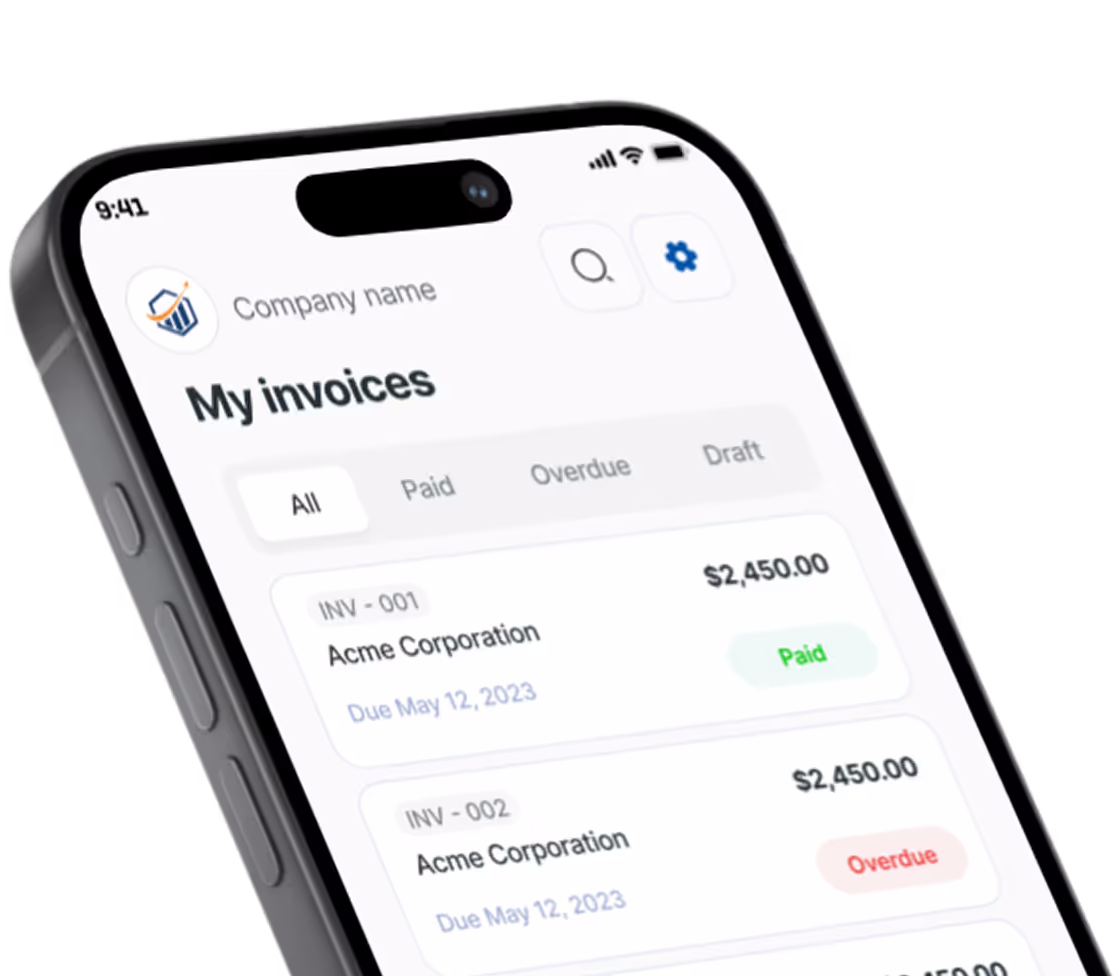
Either way, it goes on as its own line item. If you use Pronto Invoice, you can add a “Travel” or “Mileage” line — quantity equals miles, rate equals your per-mile charge — and the subtotal calculates automatically. The line appears clearly on the customer’s PDF.
A note on the math: the rate you charge customers is not the same as the IRS rate you deduct. The IRS rate is what you deduct on taxes. What you bill the customer is what they pay you — whatever your market supports.
How Mileage Deductions Affect Self-Employment Tax
This is a point most guides skip: on Schedule C, vehicle deductions reduce both income tax and self-employment tax. Self-employment tax is 15.3% on top of regular income tax. A $10,000 mileage deduction at the 72.5-cent rate (roughly 13,800 business miles) saves you both the income tax and the SE tax on that $10,000 — the combined savings are meaningfully larger than income tax alone.
That is why mileage tracking is worth the effort even if your income tax bracket is low. The SE tax savings apply at the same rate regardless of bracket.
For context on how vehicle and other overhead expenses fit into your overall cost picture, see our guide to business overhead expenses.
Common Mileage Tracking Mistakes That Cost Real Money
- Counting your commute. The drive from home to your regular shop is personal. Unless you have a qualifying home office, this mile is gone.
- Round-tripping with personal stops. Lunch on a business trip does not break the trip, but an 8-mile detour to pick up your kid is personal. Log them honestly.
- Skipping the year-end odometer reading. Without January 1 and December 31 readings, the actual expense method falls apart and the standard rate becomes harder to defend.
- Switching methods retroactively. You cannot decide in March that actual expenses would have been bigger. The first-year choice locks you in for that vehicle in most cases.
- Wrong schedule. Self-employed mileage is a Schedule C business expense, not a Schedule A itemized deduction. Schedule C reduces both income tax and self-employment tax — more valuable. Make sure your tax software puts it in the right place.
- Missing tolls and parking. These are deductible on top of the standard mileage rate — don’t leave them out.
A Simple Year-Round Mileage Tracking Process
- January 1 — record starting odometer (date-stamped photo).
- Every drive — log it the same day. App or notebook, your choice.
- Monthly — total your business miles. For actual expense method, save receipts in a folder labeled with the month.
- December 31 — record ending odometer. Total business miles. Calculate business-use percentage. Hand to your tax preparer.
Do those four things and your mileage deduction is bulletproof. Skip any one and you are leaving money on the table.
Those year-end totals also feed other tax filings. If you paid contractors during the year, your mileage log helps establish the business purpose behind travel that appears on 1099 filings — an auditor who pulls one line often pulls the surrounding records too.
The Quiet Pronto Invoice Connection
This is not a sales pitch. Field service pros are the people who drive the most and document the least — the drive to the job, the drive to the supply house, the drive to the second site all show up on the odometer and need to show up somewhere on invoices and tax records.
When the same app handles the customer-facing mileage charge and keeps the trip tied to the job, year-end mileage compilation gets easier. It does not replace a dedicated tracking app for the IRS log — but the customer-billing side stays cleaner when it lives next to the job record.
The IRS rules are not going to change. The 30 seconds it takes to log a drive will always be there. What changes is whether you arrive at April with a number you trust, or a folder of guesses.
Drive with the log on. Bill the customer for the mile. Send the IRS the right number.
Frequently Asked Questions
What is the IRS mileage rate for 2026? The IRS standard mileage rate for business use is 72.5 cents per mile for 2026, up 2.5 cents from 2025. This rate covers gas, oil, maintenance, insurance, and depreciation — you claim those separately under the actual expense method instead.
Can I deduct mileage if I drive a personal vehicle for business? Yes. You can use the standard mileage rate or actual expense method for a personal vehicle used for business. You need a mileage log either way, and only the business-use percentage of the vehicle’s costs is deductible.
Does the IRS require a mileage tracking app? No. A handwritten notebook qualifies as long as it records the four required data points for each trip: date, miles, destination, and business purpose. Apps are easier to defend in an audit because they have timestamps and GPS data, but they are not mandatory.
Can I deduct tolls and parking in addition to the mileage rate? Yes. Tolls and parking fees for business trips are deductible on top of the standard mileage rate. Keep receipts or digital records for each.
What happens if I don’t have a mileage log for a past year? You can reconstruct a log from calendar entries, invoices, bank statements, and GPS history — but the IRS treats reconstructed logs with skepticism. A reconstructed log is better than nothing, but contemporaneous records are what auditors want to see.