
Catering Invoice Template
Download free catering invoice templates for PDF, Word & Excel. Create professional invoices in 60 seconds with event & menu tracking.
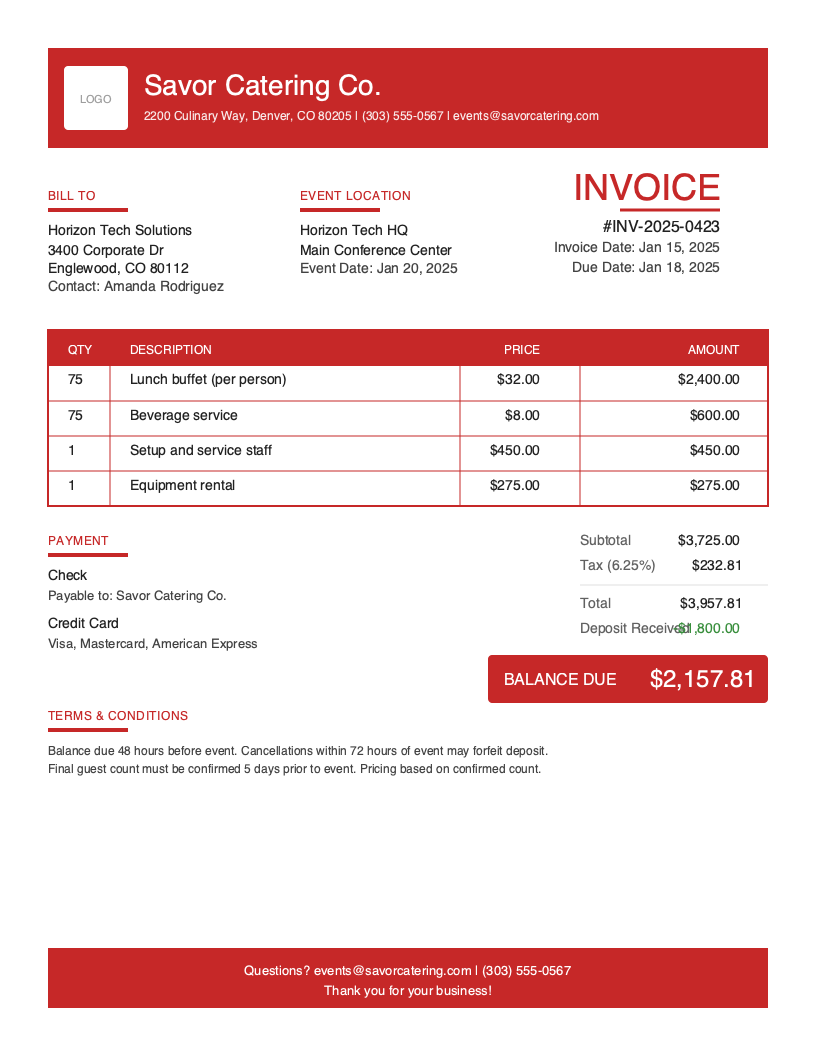
Download Free Catering Invoice Template
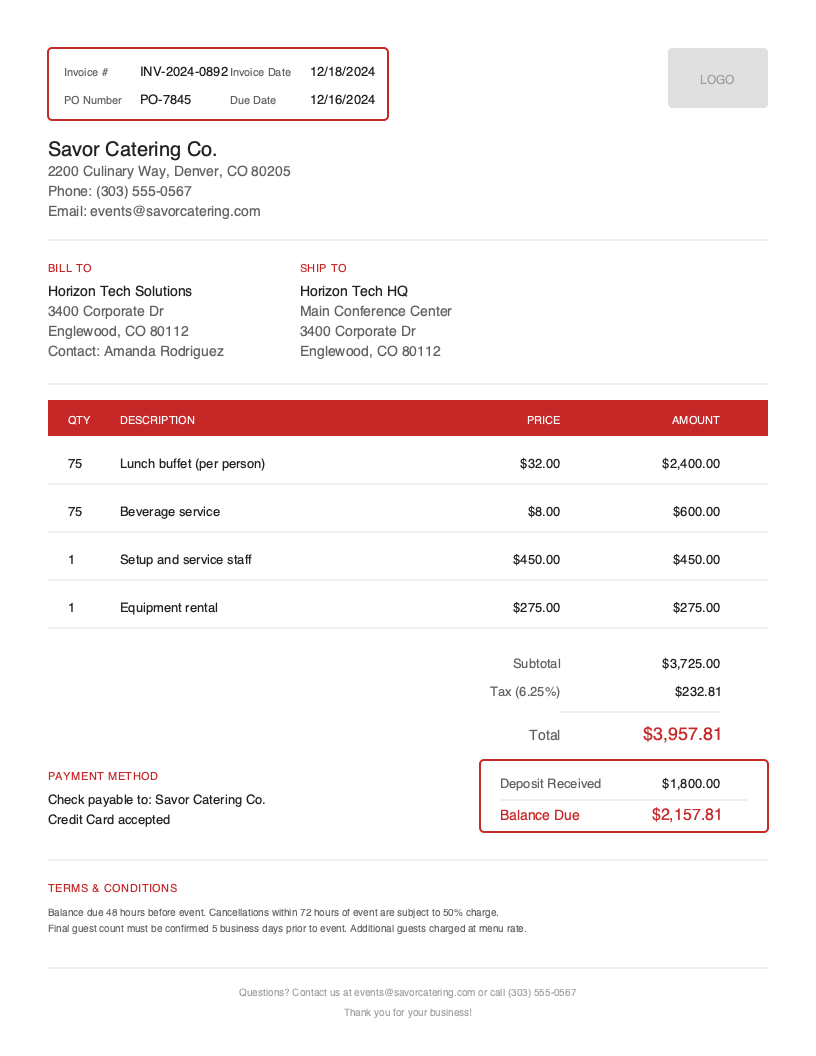
Get Your Free Catering Invoice Template
Download in your preferred format. Customize with your logo, colors, and business details. Start invoicing professionally in minutes.
Microsoft Word
Easy to customize, add your logo
Microsoft Excel
Auto-calculate totals and taxes
Catering Invoice Template Variations
Choose from multiple professional designs. Customize colors, add your logo, and make it yours.
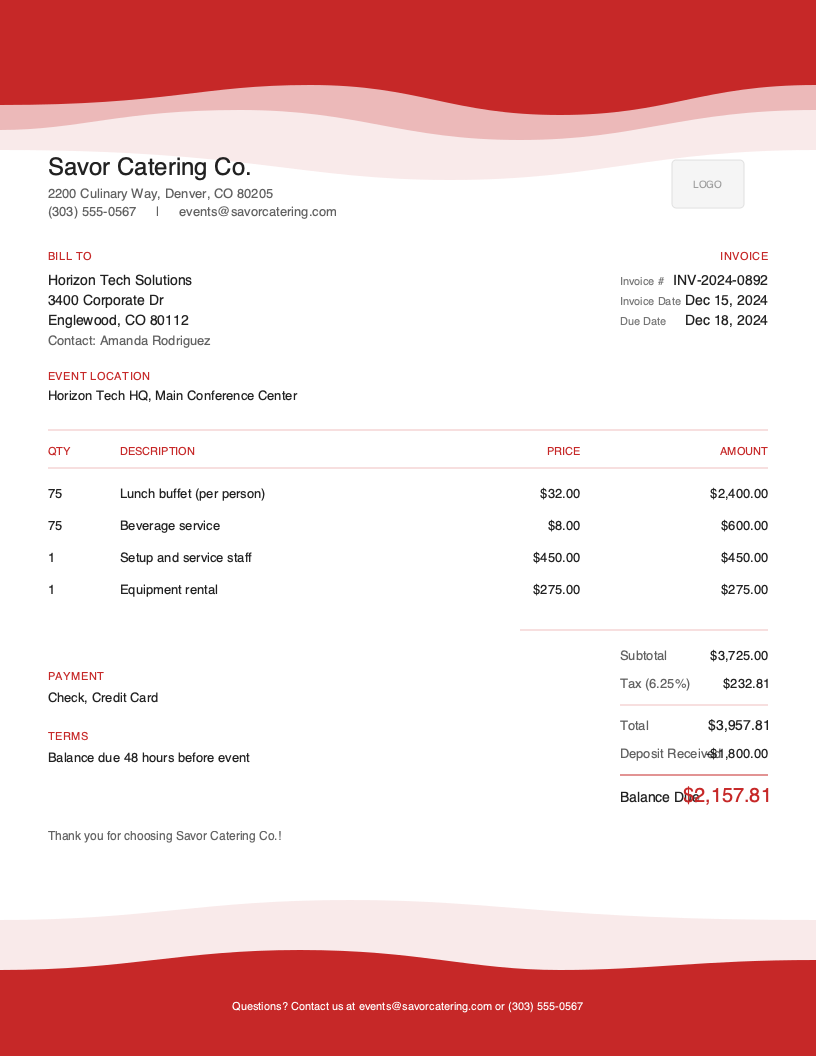
Artistic
Creative accent design
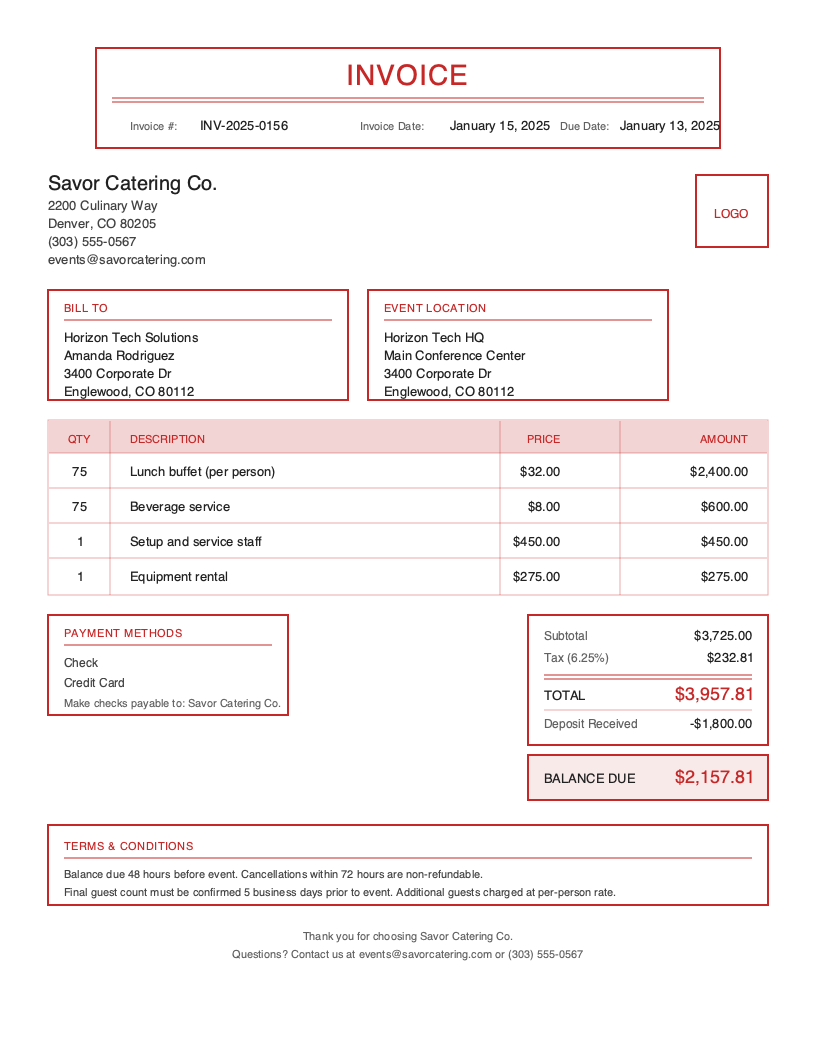
Classic
Traditional professional look
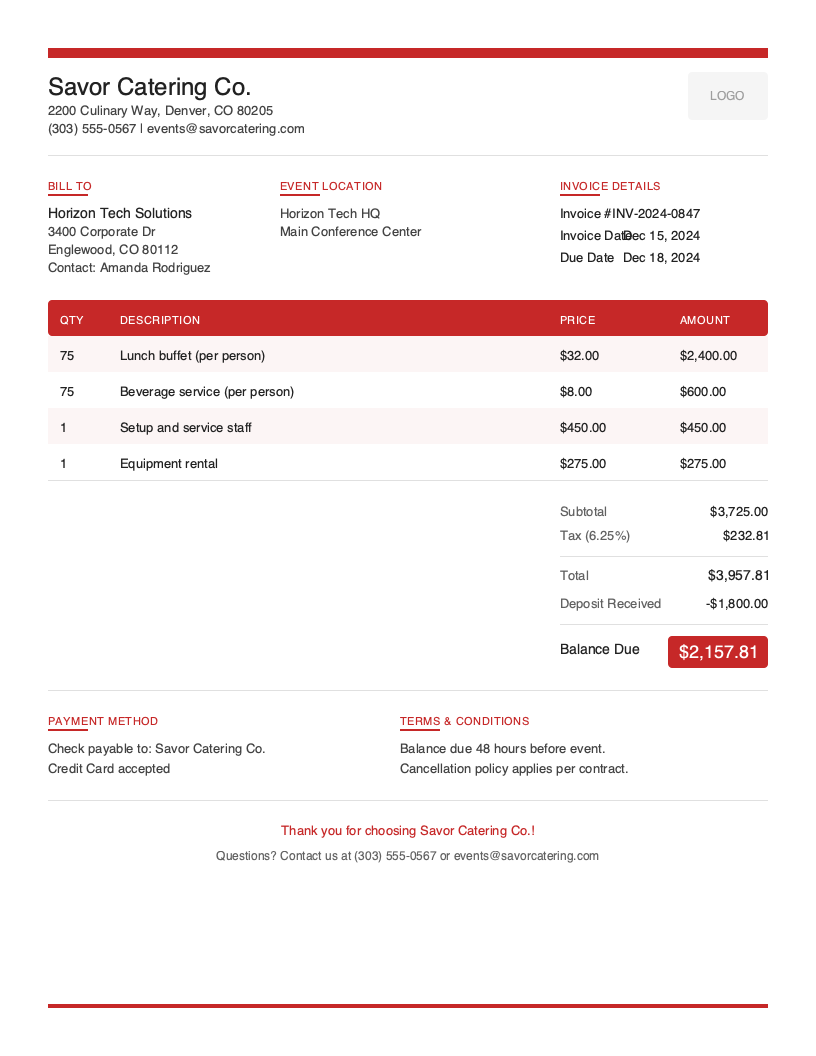
Modern
Clean contemporary style
No signup required. Create and download instantly.
Running a catering business means juggling multiple events, coordinating vendors, managing staff schedules, and ensuring every detail is perfect for your clients. The last thing you need is billing headaches cutting into your profits or delaying payment after a successful event.
Yet many caterers struggle with invoicing. Deposits get lost in email threads. Final guest counts change at the last minute. Clients forget about balances due after the celebration ends. Without a proper invoicing system, cash flow becomes unpredictable and professional relationships suffer.
A well-designed catering invoice template solves these problems by clearly communicating what you provided, what was already paid, and what remains due. It creates a paper trail from initial deposit through final payment, protecting both you and your clients.
What You’ll Find on This Page
- Free downloadable catering invoice templates in multiple formats
- Complete guide to catering invoice sections and required information
- Industry-specific best practices for deposits, final counts, and payment terms
- Answers to common catering billing questions
- How Pronto Invoice helps caterers get paid faster
Download Free Catering Invoice Templates
Choose your preferred format and start invoicing today. All templates include catering-specific fields for guest counts, menu breakdowns, deposits, and event details. Excel and Google Sheets versions include built-in formulas that automatically calculate per-person costs, service charges, and deposit balances.
What to Include on a Catering Invoice
Catering invoices require more detail than standard service invoices. Between deposits, guest count adjustments, menu breakdowns, and service staff charges, your clients need absolute clarity on what they are paying for.
Required Invoice Sections
Invoice Identification - Invoice number that links to contracts, event dates, and booking references.
Business Information - Your company details including licensing, insurance, and health permits.
Client Information - Event planner and billing contact details (these often differ in catering).
Event/Venue Information - Event date, venue address, and service times.
Line Items Breakdown - Menu items, staff, rentals, and setup/cleanup charges.
Per-Guest Pricing - Guest count affects all calculations, so state guaranteed and final counts clearly.
Pricing Summary - Clear subtotals organized by category.
Tax Information - Food service tax rules differ by state.
Deposit and Balance - Tracks deposits paid and balance due with dates.
Payment Methods - Options for both deposits and final payments.
Terms and Conditions - Covers cancellation, modifications, and force majeure.
Catering-Specific Fields Explained
Event Date and Time - The foundation of every catering invoice. Include start and end times for service, plus setup or cleanup windows. For multi-day events, list each date separately with corresponding charges.
Venue and Delivery Address - Event venues often differ from billing addresses. Include complete venue details with loading dock access notes and on-site contact information.
Guest Count - Clearly state the guaranteed minimum guest count from the contract and the final count if it changed. Specify your policy on invoicing the higher of the two numbers.
Menu Breakdown - Break down by course or category: appetizers, main courses, sides, desserts, and beverages. Show per-person pricing alongside guest count to demonstrate how totals are calculated.
Service Staff Charges - List number and type of staff: servers, bartenders, chefs, event captains. Show hourly rates and total hours. Clients appreciate transparency about staffing costs.
Rentals and Equipment - Tables, chairs, linens, chafing dishes, china, glassware. Itemize each category with quantities. Note whether rentals are included in per-person price or charged separately.
Understanding Catering Business Invoicing
The U.S. catering industry generates approximately $13 billion in annual revenue, serving everything from corporate conferences to backyard weddings.
Wedding and Social Event Catering - The most complex billing scenarios with multiple tastings, venue requirements, and last-minute guest count changes. Deposits typically range from 25% to 50%, with final payment due 7 to 14 days before the event.
Corporate Catering - Often requires purchase orders and net payment terms. Regular clients may have standing orders. Invoices frequently go through accounts payable departments, making clear documentation essential.
Private Party and Event Catering - Clients range from sophisticated hosts to first-time event planners. Clear, detailed invoices reduce questions and build trust.
Food Truck and Mobile Catering - Unique challenges including location fees, generator costs, and travel charges. Invoices should reflect operational realities while remaining simple to process from mobile devices.
Catering Invoicing Best Practices
Collect Substantial Deposits Upfront
Standard deposits range from 25% to 50% of estimated total. For large events or peak-season bookings, consider higher deposits. The deposit should cover food costs at minimum, protecting you from cancellation losses. Specify whether deposits are refundable.
Invoice Based on Final Guest Count
Establish a deadline for final counts, typically 5 to 14 days before the event. Most caterers invoice the higher of guaranteed minimum or actual attendance. Document original estimate, guaranteed minimum, and final count on your invoice.
Itemize Menu and Services Clearly
Clients should understand exactly what they paid for. This transparency builds trust and reduces billing disputes. When a client asks about costs, your itemized invoice provides the complete answer.
Specify Service Timeline and Staff Allocation
Document setup time, guest arrival, meal service, and breakdown. List staff by role. This protects you if clients claim services were not delivered as promised.
Include Gratuity and Service Charge Policy
Service charges (18% to 22%) are mandatory fees typically taxable. Gratuity is optional. State whether service charges go to staff or the business. Be transparent to avoid confusion.
Create Catering Invoices in Under 60 Seconds
Templates work, but require manual data entry every time. When you are running between events, every minute matters.
Pronto Invoice was built for food service professionals who invoice between events. Our mobile-first approach means you create professional invoices from your phone in five simple steps:
- Select Client - Choose from saved contacts or add new ones in seconds
- Add Line Items - Menu items, services, and rentals from your catalog
- Set Payment Info - Accept deposits and set balance due dates
- Add Event Details - Date, venue, guest count fields built-in
- Review and Send - Email or print instantly
Features Caterers Need
Offline Capability - Commercial kitchens and event venues often have unreliable internet. Pronto Invoice works offline and syncs automatically when you reconnect.
Per-Guest Pricing - Automatic calculations when guest counts change. Set your per-person rate and let the math happen automatically.
Deposit Tracking - Record deposits and show remaining balances clearly. Send automatic reminders for outstanding payments.
Menu Catalog - Save your standard menu items with pricing for quick invoicing. Customize per event as needed.
Payment Processing - Accept credit cards directly through invoices. Clients can pay deposits and final balances online with a single tap.
Catering Invoicing Best Practices
Collect Substantial Deposits Upfront
Standard catering deposits range from 25% to 50% of the estimated total. The deposit should cover your food costs at minimum, protecting you from cancellation losses.
Invoice Based on Final Guest Count
Most caterers invoice based on the final guaranteed guest count or the actual attendance, whichever is higher. Establish a deadline for final counts, typically 5 to 14 days before the event.
Itemize Menu and Services Clearly
Break down food by course, beverages by type, and services by category. When a client asks why the event cost what it did, your itemized invoice provides the answer.
Specify Service Timeline and Staff
Document the service timeline: setup start time, guest arrival, meal service, and breakdown completion. List staff assignments by role to protect against service disputes.
Include Gratuity and Service Charge Policy
Be transparent about service charges (typically 18% to 22%) and gratuity expectations. State your policy clearly and show how charges are calculated on the invoice.
Frequently Asked Questions
A complete catering invoice should include your business information, client contact details, event date and venue, detailed menu breakdown with per-person pricing, service staff charges, equipment rentals, applicable taxes and service charges, deposit amounts already paid, balance due with payment deadline, and your terms and conditions.
Most caterers collect a 25% to 50% deposit at contract signing to secure the date and cover initial food costs. The remaining balance is typically due 7 to 14 days before the event or immediately upon event completion. Some caterers split payments into three installments.
Start with your food cost per guest, typically 25% to 35% of your per-person price. Add labor costs based on staff-to-guest ratios (one server per 15-20 guests for plated service). Include overhead, equipment, transportation, and profit margin. Industry markups range from 3x to 5x food cost.
Related Invoice Templates
Start Creating Professional Catering Invoices Today
Join thousands of professionals who use Pronto Invoice to get paid faster. Create your first invoice in under 60 seconds.
This guide is for informational purposes only and does not constitute legal or tax advice.