
Graphic Design Invoice Template
Download free graphic design invoice templates for Word & Excel. Create professional invoices in under 60 seconds with project scope & usage rights tracking.
Graphic Design Invoice Template Variations
Choose from multiple professional designs. Customize colors, add your logo, and make it yours.
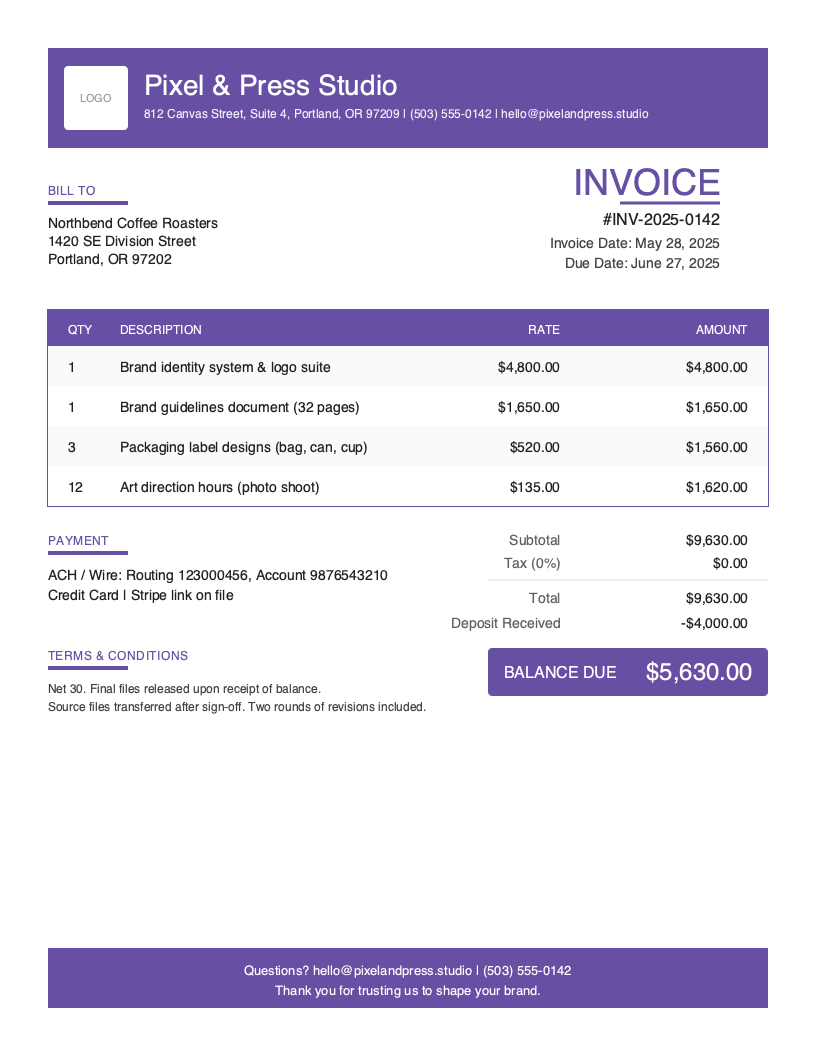
Bold
Branded, high-contrast header
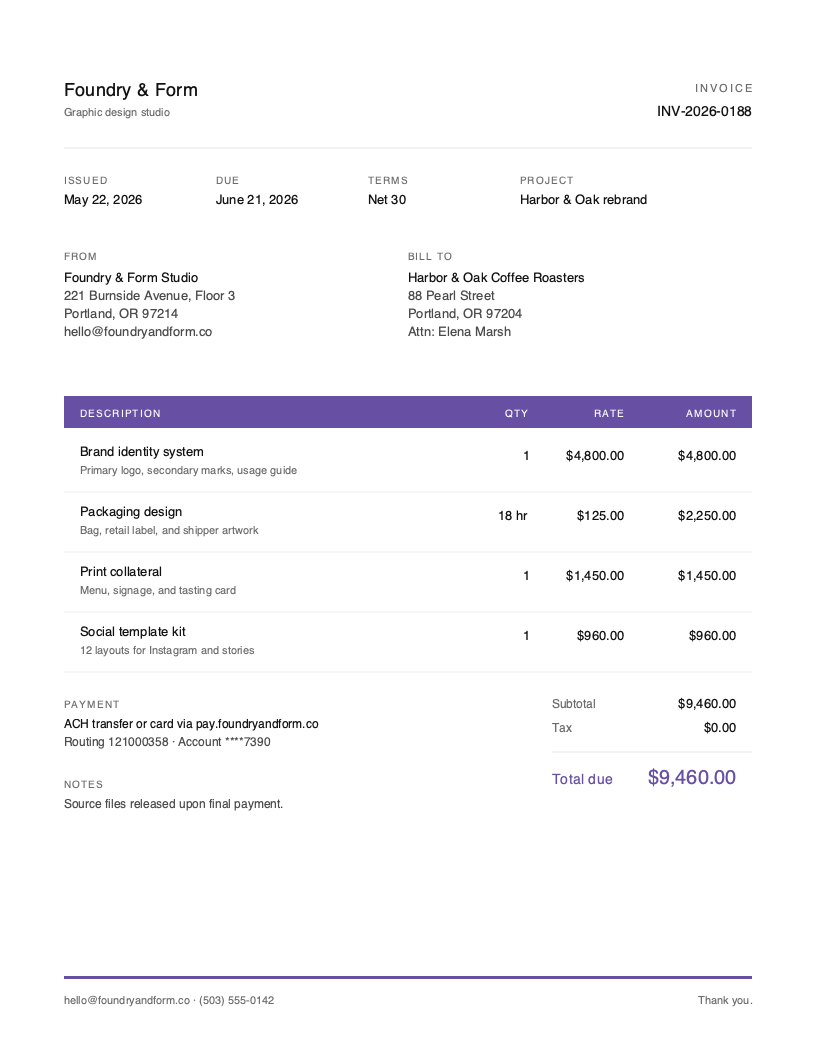
Minimal
Minimal utility look
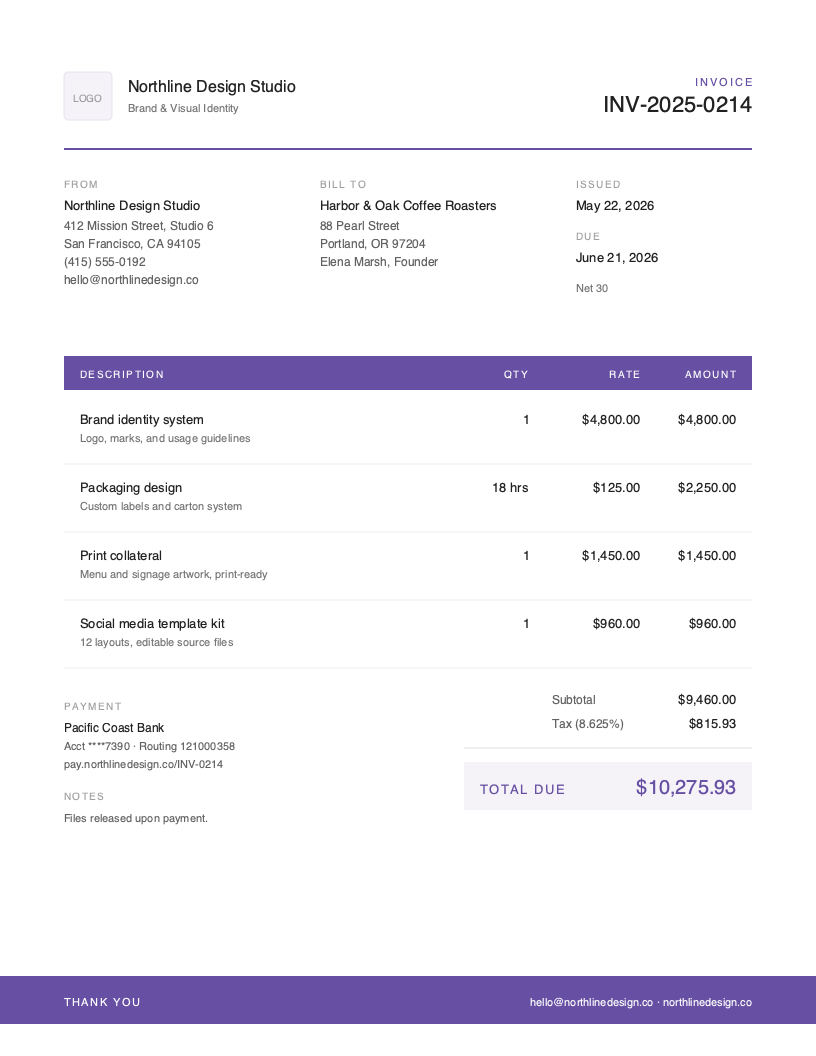
Modern
Clean contemporary style
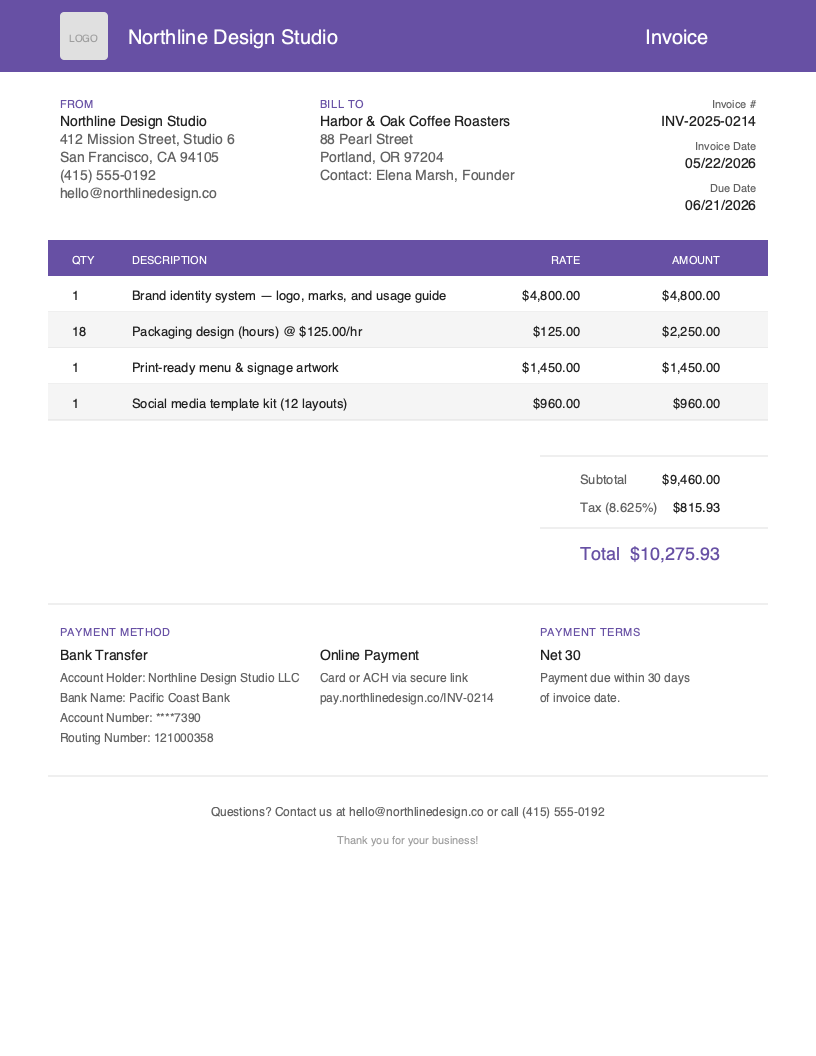
Default
Clean default layout
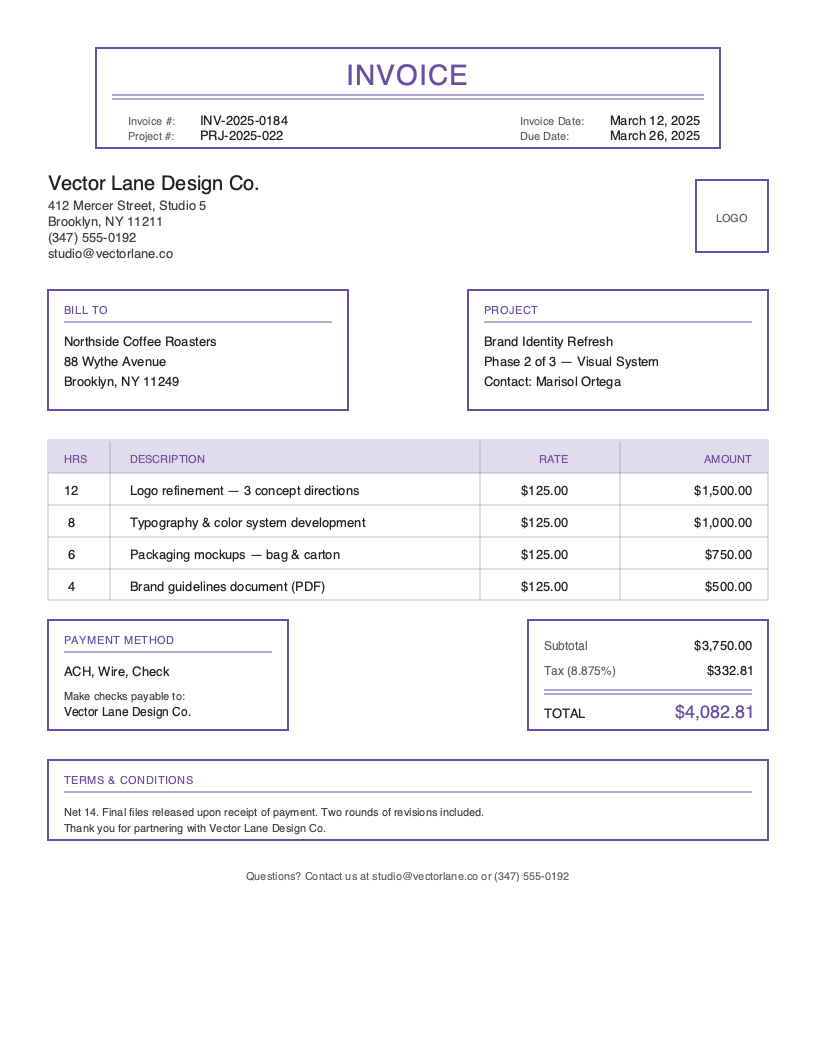
Classic
Traditional professional layout
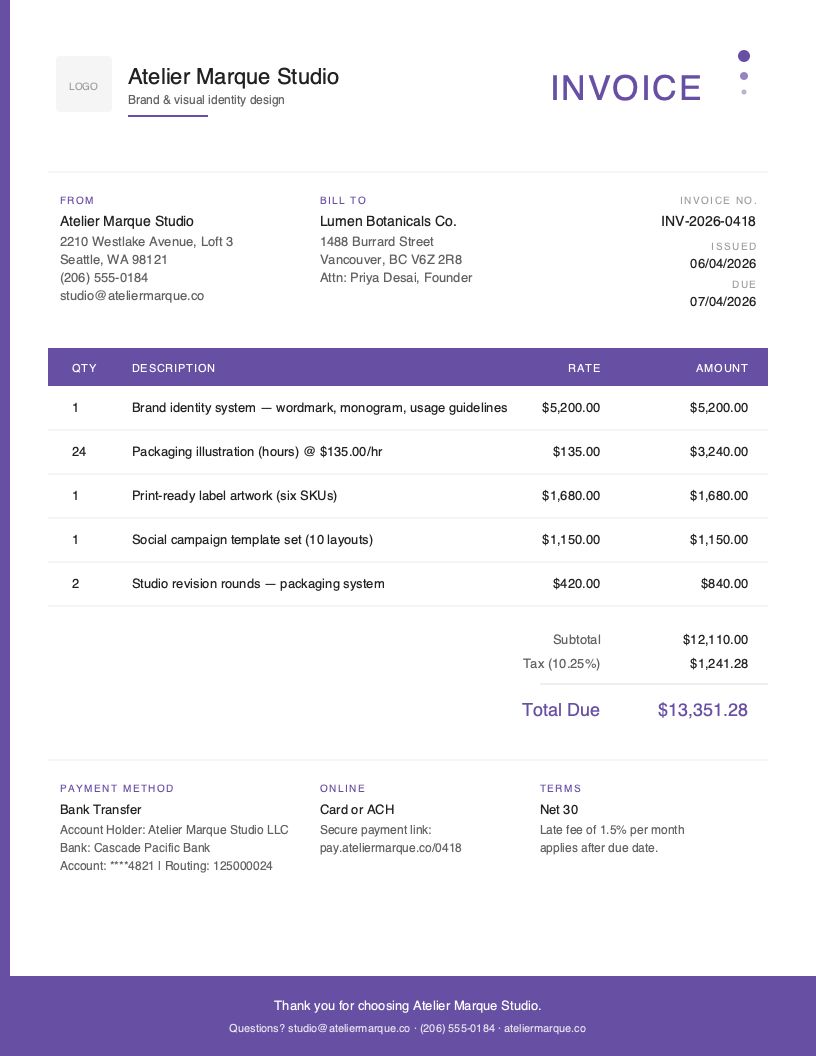
Artistic
Eye-catching color accent
No signup required. Create and download instantly.
You just delivered the final logo files. The client loved every concept, approved the revisions on time, and posted the new brand on Instagram before you even sent the invoice. Three weeks later, you are still waiting to get paid—and the client now wants to use the logo on merchandise that was never part of the original scope.
This is the reality of graphic design billing. Designers routinely wait 30 or more days for payment after delivering files, and scope creep, usage rights confusion, and “just one more revision” can quietly erode the margin on every project you take.
Graphic design invoicing has unique requirements that generic templates do not address. You need to document project scope, list deliverables and file formats, define usage rights and licensing, and track revision rounds—all while looking polished enough to match the brand standards your clients hired you to deliver.
What You’ll Find on This Page
- Free downloadable graphic design invoice templates (Word & Excel)
- Complete breakdown of what every graphic design invoice must include
- Industry statistics and business insights
- Best practices for faster payments and fewer scope disputes
- How to create invoices in under 60 seconds from your phone
Download Free Graphic Design Invoice Templates
Choose your preferred format and start invoicing professionally today. All templates include graphic design-specific fields for project scope, deliverables, usage rights, and revision tracking. The Excel version includes built-in formulas for calculating hours times rate, project subtotals, additional revision charges, and automatic tax calculations.
What to Include on Your Graphic Design Invoice
A complete graphic design invoice protects both you and your client. Unlike generic service invoices, design documentation must clearly define what was delivered, how it may be used, and what was excluded—this is what prevents the awkward email three months later asking if a logo can be turned into a t-shirt.
Required Invoice Sections
Invoice Header - Invoice number, issue date, due date, and your studio logo for professional identification.
Business Information - Studio or freelance name, address, email, phone, website, and tax ID where applicable.
Client Information - Client business name, billing contact, address, and email for digital delivery.
Project Details - Project name, project code or phase, start date, and a short description of the engagement.
Line Items - Each deliverable or service listed individually with quantity, rate, and subtotal.
Pricing Summary - Subtotals for design, illustration, revisions, stock or licensing pass-throughs, and project management.
Tax Information - Sales tax where applicable, shown as a separate line item.
Payment Methods - Bank transfer, credit card, ACH, and any digital wallets you accept.
Terms & Conditions - Payment due date, late fees, deposit terms, revision policy, and usage rights statement.
Critical Graphic Design Invoice Elements
Project Scope & Deliverables - List every final deliverable the invoice covers: number of logo concepts, file formats (AI, EPS, SVG, PNG, PDF), brand guide pages, social templates, or print-ready artwork. A clear scope is your single best defense against “can you also…” requests that never get paid. Reference the approved proposal or statement of work so the invoice and the agreement match exactly.
Usage Rights & Licensing - State explicitly how the client may use the delivered work. Common variables include exclusive vs. non-exclusive rights, the media covered (web, social, print, broadcast, merchandise), geographic scope, and time period. If you retain ownership and license the work, say so. If full rights transfer on final payment, say that too. Designers leave thousands of dollars on the table every year by failing to define usage rights on the invoice.
Revision Rounds - Document how many revision rounds the price includes (typically two to three) and the hourly or flat rate for any additional rounds. Note which rounds have been used and which remain. If you are billing for out-of-scope revisions, list them as a separate line item with a brief description so the client can see exactly what they are paying for.
File Format & Delivery Method - Specify the file formats included with the final invoice (vector source files, web-ready exports, print-ready PDFs) and how delivery occurs (Dropbox, Google Drive, WeTransfer, client portal). Many clients do not understand the difference between an AI file and a PNG—putting it on the invoice prevents follow-up requests for files you never agreed to provide.
Understanding Graphic Design Business Invoicing
The U.S. graphic design market generates more than $15 billion in annual revenue, with independent designers and studios serving brands of every size. Pricing models, deliverables, and billing cadence vary widely across the industry, which is why one-size-fits-all templates so often miss the mark.
Freelance Designers - Solo designers and small studios that work directly with founders, marketing teams, and other agencies. Cash flow is everything for freelancers, which makes deposits, milestone billing, and fast follow-up on unpaid invoices the difference between a sustainable business and burnout.
Design Studios & Agencies - Multi-person teams handling brand identity, campaigns, packaging, and digital products. Studios typically bill in phases tied to a statement of work, with separate invoices for discovery, concepts, refinement, and production.
Specialty Designers - Brand designers, packaging designers, motion designers, and UI designers operate with very different deliverables and pricing norms. Brand identity work often carries usage rights premiums, packaging requires print-spec deliverables, motion designers bill per second of finished animation, and UI designers often integrate with development sprints. Your invoice should reflect the conventions of your specialty.
Graphic Design Invoicing Best Practices
Invoice on Milestones, Not Just Completion
Waiting until the end of a long project to send a single invoice is the fastest way to choke your cash flow. Break the project into milestones—kickoff deposit, concept presentation, revision approval, final delivery—and bill at each one. Milestone billing keeps money moving, gives clients smaller bills to approve, and protects you when projects drag on past their original timeline. Many designers find that invoicing requirements tied to milestones cut their average collection time in half.
Document Project Scope and Deliverables
Every invoice should map back to a written scope. List the deliverables, file formats, and quantities the line items cover, and reference the proposal or statement of work by name. When a client asks for something outside that scope, the answer is not “no”—it is “happy to, here is the change order.” Clear scope documentation turns scope creep from a frustration into a billable opportunity.
Specify Usage Rights and Licensing
Usage rights are part of the price, even if you do not break them out as a line item. State on every design invoice how the client may use the work: exclusive or non-exclusive, which media, what geography, and for how long. If broader rights are requested later, you have a clean reason to issue an additional invoice. Designers who skip this step routinely discover their work on billboards, merchandise, or international campaigns they never priced for.
Cap Included Revision Rounds
Unlimited revisions destroy margin on every project. Define the number of rounds your price covers (two to three is standard for most projects), what counts as a round, and your rate for additional changes. Put the policy on the invoice itself, not just buried in a contract. When the fourth round of “can we try it in blue” arrives, you have an unambiguous basis for a change order instead of an uncomfortable conversation.
Require a Deposit Before Starting
Collect 30 to 50 percent upfront before opening a single file. Deposits filter serious clients from window shoppers, secure your calendar, and front-load cash flow so you are not financing the entire project yourself. For long engagements, structure progress payments throughout the timeline so the final invoice represents a small remaining balance rather than the entire project fee. Pair deposit invoices with automated payment reminders so you spend your time designing, not chasing payment.
Create Graphic Design Invoices in Under 60 Seconds
Templates work, but they require manual data entry, calculations, and formatting every single project. When you are juggling client revisions, file exports, and pitch decks, every minute spent on admin is a minute you are not designing or billing.
Pronto Invoice was built for graphic designers who invoice between projects, not accountants at a desk. Our mobile-first approach means you create professional invoices from your phone in five simple steps:
- Select Client - Choose from saved clients or add a new one in seconds
- Add Line Items - Design hours, deliverables, and revision charges with automatic calculations
- Set Payment Info - Due dates, accepted methods, late fees, and deposit terms
- Add Project Details - Project name, scope summary, deliverables, and usage rights statement
- Review and Send - Email or share a link instantly, with the same polish as your design work
Features Graphic Designers Need
Offline Capability - You are often invoicing from a coffee shop, a client site, or a plane between conferences. Pronto Invoice works completely offline—create and save invoices anywhere, and they sync automatically when you reconnect.
Project & Milestone Tracking - Group invoices by project, track deposits and milestone payments, and see at a glance which clients owe what. No more digging through spreadsheets to figure out where a project stands financially.
Usage Rights Documentation - Save reusable usage rights statements for common deliverable types (logo, brand identity, illustration, web design) and drop them onto invoices in one tap. Consistent rights language across every project protects your work and your future licensing revenue.
Payment Reminders - Automated reminders follow up on unpaid invoices on a schedule you control, so you can focus on design work, not collections. Clients can pay directly from the invoice via credit card or ACH—the easier you make it to pay, the faster you get paid.
QuickBooks Integration - Professional tier includes real-time QuickBooks sync. Invoices flow directly to your accounting software—no double entry, no end-of-quarter reconciliation marathons before tax season.
Graphic Design Invoicing Best Practices
Invoice on Milestones, Not Just Completion
Bill in stages tied to deliverables—kickoff, concepts, revisions, final files. This keeps cash flowing and protects you from scope creep on long projects.
Document Project Scope and Deliverables
Spell out exactly what is included: number of concepts, file formats, deliverables, and what is explicitly out of scope. Vague scopes lead to disputes.
Specify Usage Rights and Licensing
State clearly how the client may use the work—web, print, advertising, exclusive vs. non-exclusive, duration, and geography. Usage rights affect price and future licensing revenue.
Cap Included Revision Rounds
Define how many revision rounds the price covers and the hourly rate for additional changes. Unlimited revisions destroy your margin on every project.
Require a Deposit Before Starting
Collect 30-50% upfront before opening Figma or Illustrator. Deposits filter serious clients, secure your time, and dramatically improve cash flow.
Frequently Asked Questions
A complete graphic design invoice should include your business information, client details, a unique invoice number and date, a clear description of the project and deliverables, line items broken out by service (design hours, illustration, revisions, stock assets), the agreed total, applicable taxes, payment terms and due date, accepted payment methods, and a usage rights statement. For ongoing client work, also include the project name and milestone or phase being billed.
Most designers use one of three pricing models: hourly (typically $50-$150+ depending on experience and specialization), flat project fees based on scope and deliverables, or value-based pricing tied to the impact of the work for the client. Hourly is best for open-ended or research-heavy projects. Flat fees work well when scope is clearly defined. Whatever model you use, factor in revision rounds, file preparation, and usage rights when quoting.
Sales tax rules vary significantly by state. Many states treat design services as nontaxable when delivered electronically, but tax tangible deliverables like printed materials. Other states tax all design services. If you license a final logo or asset, that licensing fee may be taxable differently than design labor. Check your state's Department of Revenue guidelines and always show tax as a separate line item on the invoice.
Related Invoice Templates
Start Creating Professional Graphic Design Invoices Today
Join thousands of professionals who use Pronto Invoice to get paid faster. Create your first invoice in under 60 seconds.
This guide is for informational purposes only and does not constitute legal or tax advice.