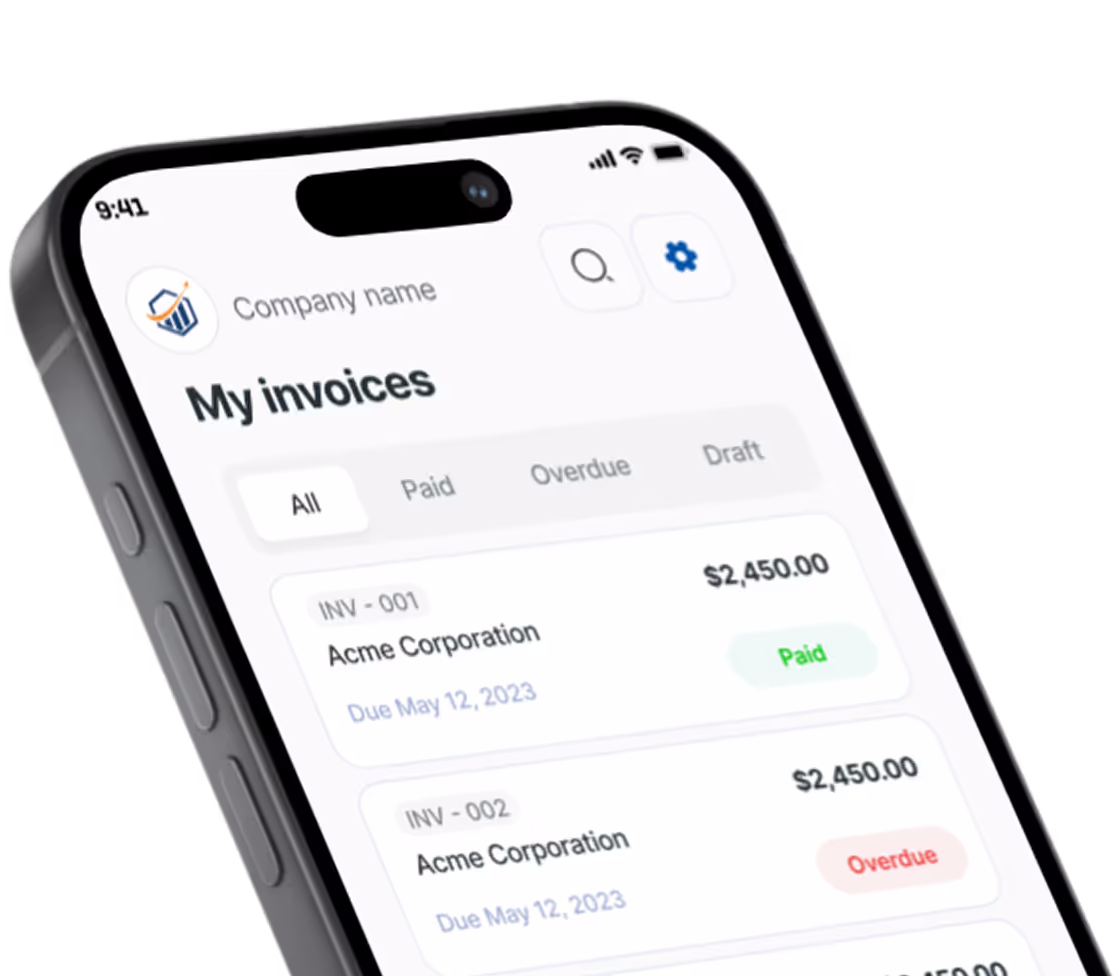
Create Professional Receipts in Minutes
Stop handwriting receipts on scrap paper or searching for receipt templates that never look right. Create polished, professional receipts in minutes. No signup required to start.
Start Creating Without Signing Up
Jump straight into building your receipt. See exactly what you're getting before you commit. Create an account only when you're ready to download or send.
Watch Your Receipt Come to Life
Our live preview shows your receipt updating in real time as you type. Every line item, tax calculation, and payment detail appears instantly.
Receipt Templates Built for Your Industry
Whether you're a contractor handing a customer proof of payment or a freelancer confirming a bank transfer, we have receipt templates designed for your business.
Receipt Templates Built for Your Industry
Choose from 10+ receipt types that include the fields and formatting your clients expect.
Payment Receipts
- Cash Receipt
- Payment Receipt
- Deposit Receipt
Service Receipts
- Service Receipt
- Contractor Receipt
- Freelance Receipt
Sales Receipts
- Sales Receipt
- Delivery Receipt
More Types
- Rental Receipt
- Donation Receipt
Five Professional Template Styles
Your receipt represents your brand just as much as your invoice does. Choose the style that matches your business.
Modern Clean
Sleek and contemporary with clear payment confirmation
Minimal Utility
Simple and straightforward for quick transactions
Professional Classic
Traditional elegance with prominent PAID indicator
Bold Branded
Stand out with strong visual impact and your logo
Artistic Accent
Creative flair for design-forward professionals
Every style features a prominent "PAID" stamp so there's never any confusion — this transaction is complete.
5 Simple Steps to a Professional Receipt
Creating a professional receipt takes just 5 simple steps. Select your industry and template style, then build your receipt with a live preview updating as you go.
Add Your Business Details
Enter your company name, address, and contact information. Upload your logo to brand every receipt with your business identity.
Enter Client Information
Add your customer's name and contact details. Their information is saved for future receipts, so you only enter it once.
Add Your Services or Products
List what you're providing a receipt for. Include descriptions, quantities, and prices. Our calculator handles taxes, discounts, and totals automatically.
Record Payment Details
Select how payment was made — cash, check, credit card, bank transfer, or other methods. Add the payment date and any transaction reference.
Finalize Receipt Details
Add your receipt number, receipt date, and any notes for your customer. Include a thank-you message or return policy in the footer.
Receipt vs Invoice: What's the Difference?
Many people use "receipt" and "invoice" interchangeably, but they serve different purposes.
| Invoice | Receipt | |
|---|---|---|
| When | Before payment — requests money | After payment — confirms money received |
| Purpose | Creates an obligation to pay | Proves the transaction is complete |
| Key fields | Due date, payment terms, balance due | Payment date, payment method, amount paid |
| Status | Outstanding until paid | Always marked "PAID" |
The simple rule: Send an invoice to request payment. Send a receipt to confirm payment.
Need both? Pronto Invoice automatically generates a receipt when an invoice is marked as paid. One tool handles your entire billing workflow.
The Online Receipt Generator Advantage
Scribbling receipts on a notepad or reformatting a Word document after every job creates problems you don't need. Handwritten receipts look unprofessional, are easy to dispute, and paper receipts get lost — making tax season a nightmare.
Automatic Saving
Your work is saved automatically as you go. Close your browser, lose your connection, or switch devices — your receipt is waiting exactly where you left it.
Smart Calculations
Add line items and watch totals update instantly. Taxes, discounts, and deposits are calculated automatically. No more adding up numbers on your phone.
Professional Results Every Time
Every receipt features a clear "PAID" indicator, proper formatting, and your business branding. Hand your customer something they'll trust.
Access Anywhere
Works perfectly on your phone, tablet, or computer. Create receipts on the job site before you pack up your tools. Your browser is all you need.
Built for Businesses That Collect Payments On-Site
Whether you're in the field, at your desk, or on the go — we've got you covered.
Contractors and Tradespeople
You just finished a repair job. The customer hands you cash. Hand them back a professional receipt before you leave — created from your phone in under 30 seconds.
Freelancers and Consultants
Client just paid your invoice via bank transfer? Generate a receipt confirming the payment with one tap. Keep your records clean and your clients confident.
Service Businesses
Cleaning crew finished the job. Landscaper wrapped up for the season. Give your customer documented proof of payment that builds trust and protects both parties.
Small Business Owners
You need receipt management that scales. Start with our free receipt generator for quick jobs. As your business grows, Pronto Invoice tracks every receipt alongside your invoices.
Need to request payment first? Create an invoice →
Frequently Asked Questions
Everything you need to know about our online receipt generator.
Still have questions?
Contact our support team →Ready to Create Your First Receipt?
Stop losing track of cash payments and scrambling for proof of payment. Pronto Invoice's receipt generator gives you professional receipts in minutes — on your phone, on your laptop, or on the job site.
Start Your Free Receipt NowGet Started Today
Start simplifying your business invoicing with Pronto Invoice. Download now and send your first professional invoice in minutes.